Free & Open Source

Control Your PC
From Your Phone

Launch apps, control media, run terminal commands and more — all over your local Wi-Fi network. No cloud, no internet, no subscriptions.

100% Local Network
3 Platforms
0ms Cloud Latency
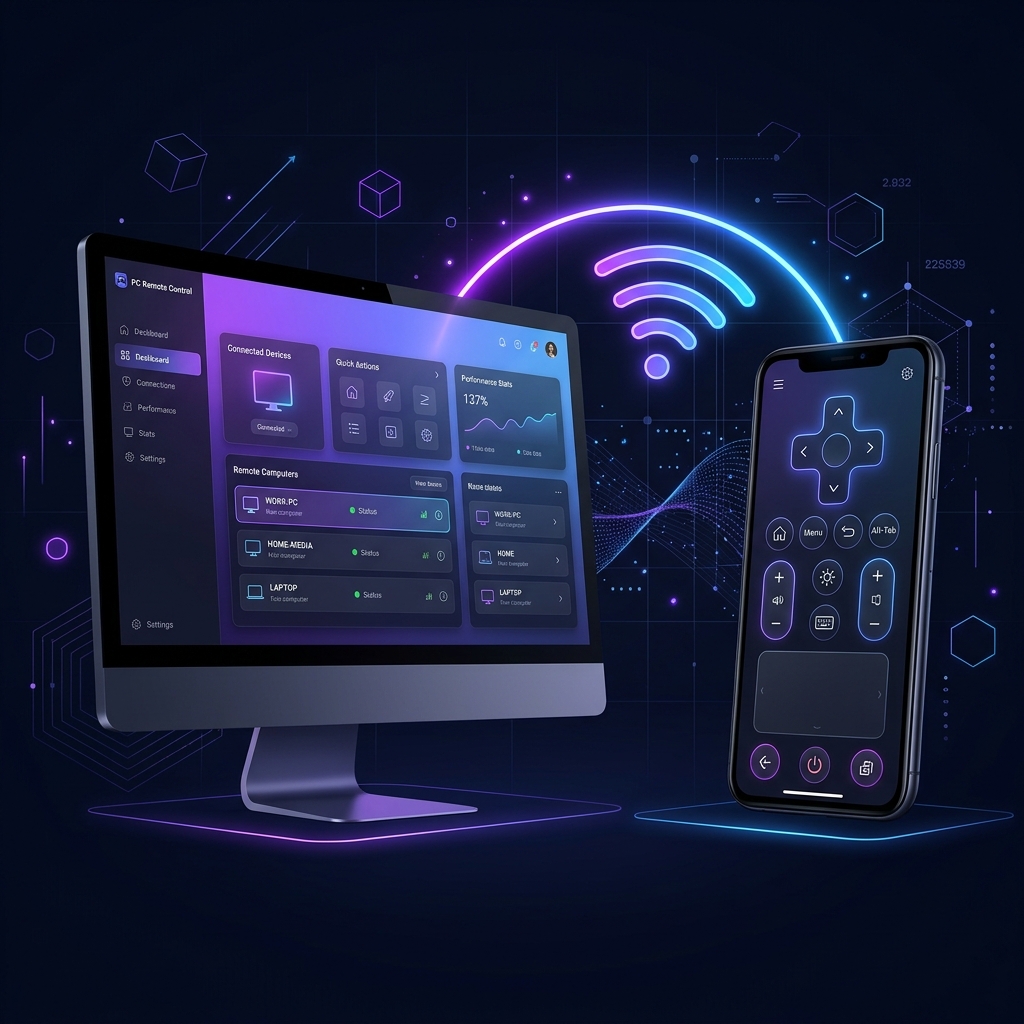
PC Remote app interface showing PC and phone connection

Everything You Need, Nothing You Don't

Built for speed, security, and simplicity — works straight out of the box.

Instant Response

Commands are executed directly on your LAN. No round-trip to the cloud means sub-10ms response times.

Secure by Design

Token-based authentication keeps strangers off your machine. All traffic stays inside your home network.

Auto-Discovery

mDNS/Bonjour lets your phone find your PC automatically — no IP address memorization required.

Custom Shortcut Grid

Build a Stream Deck–style button grid. Drag apps, scripts, or media controls exactly where you want them.

Terminal Commands

Developer mode unlocks arbitrary shell command execution — run scripts, start servers, anything.

Media Controls

Play, pause, skip, and adjust volume on your PC from anywhere in the room — no extra software needed.

Up and Running in Minutes

Three simple steps is all it takes to connect your phone to your PC.

01

Download & Run the Agent

Download the PC Agent for your platform and double-click to run. It sets up automatically and appears in your system tray.

02

Install the Mobile App

Grab the PC Remote app for Android or iOS. Make sure both your phone and PC are on the same Wi-Fi network.

03

Scan, Connect & Control

Tap "Start Network Scan" in the app, select your PC, enter the token from the tray icon, and you're live!

Built for Windows

Windows

Full support including .lnk shortcut resolution, UAC-aware launch, and system tray integration.

Recommended

Download the PC Agent

Free forever. No account required. Works entirely on your local network.

  • ✓ Lightweight Python-based agent
  • ✓ System tray integration
  • ✓ Token-secured REST API
  • ✓ One-click Windows installer (.bat)
Windows 10 / 11 v1.0.0 — Nexus-v1.0.0.zip
Download